

Creating a lease agreement is one of the most important steps in renting out your property.
Realhaus makes this process simple, transparent, and legally compliant, guiding you through each detail so nothing is overlooked.
Once you’ve accepted a tenant’s rental application, the system automatically generates a draft lease agreement and takes you directly into the Lease Agreement Wizard. From there, you can customize, review, and finalize everything in just a few steps.
Step 1: Automatic Draft Lease Agreement Creation
As soon as you approve a tenant’s application, Realhaus prepares a draft lease agreement for the property. This draft includes key details from the application and property listing, saving you time and reducing errors. You’ll be redirected straight to the lease creation flow, ready to review and fill in the remaining details.
Step 2: Work Through the Lease Agreement Wizard
The wizard is designed to be straightforward and intuitive. It breaks the lease into clear sections that you complete one by one:
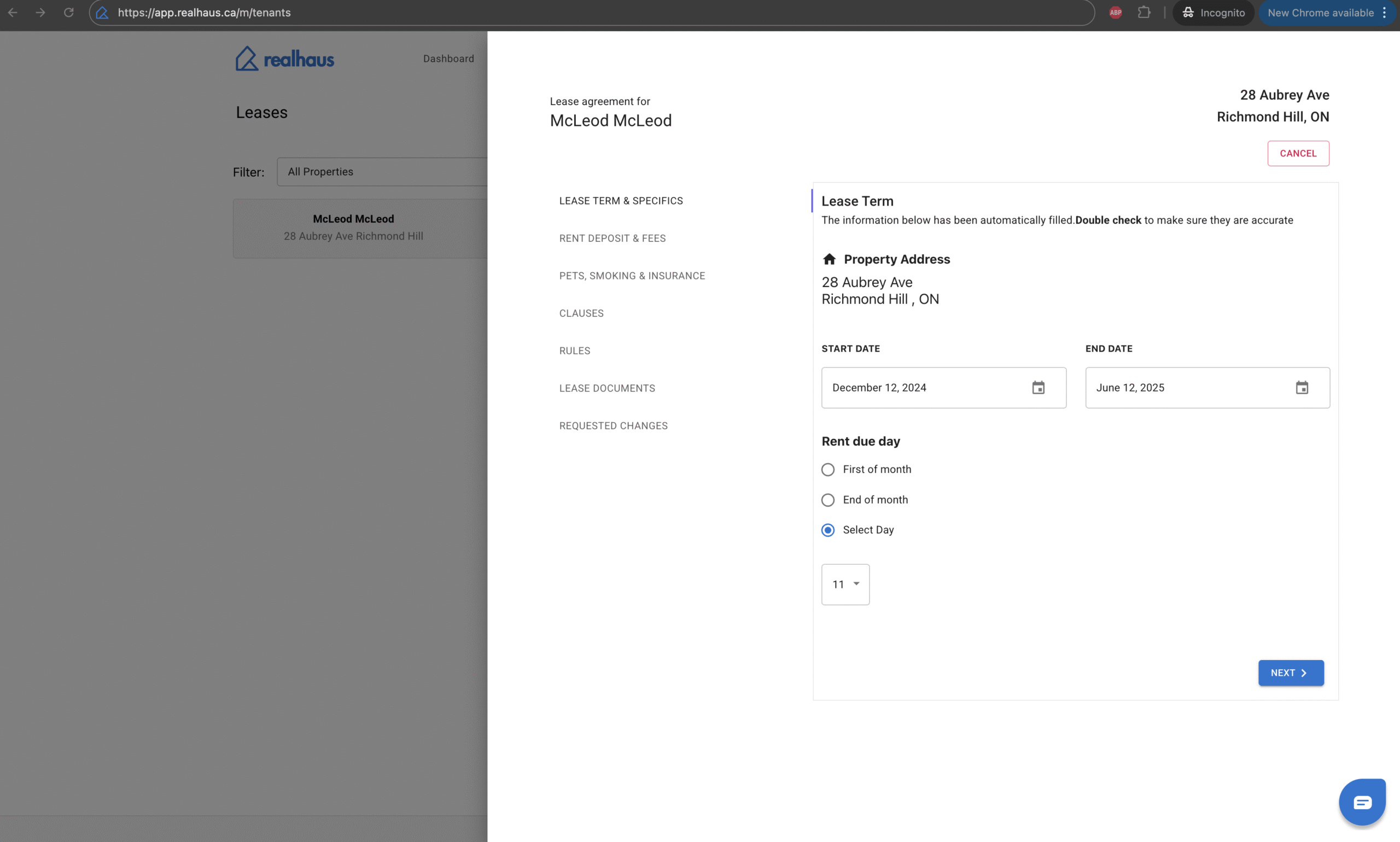
Lease Term & Specifics
Set the foundation of the lease by confirming the property address, start date, and end date. You’ll also choose the rent due date—whether it’s the first of the month, the end of the month, or a custom day. These details define the overall structure of the tenancy.
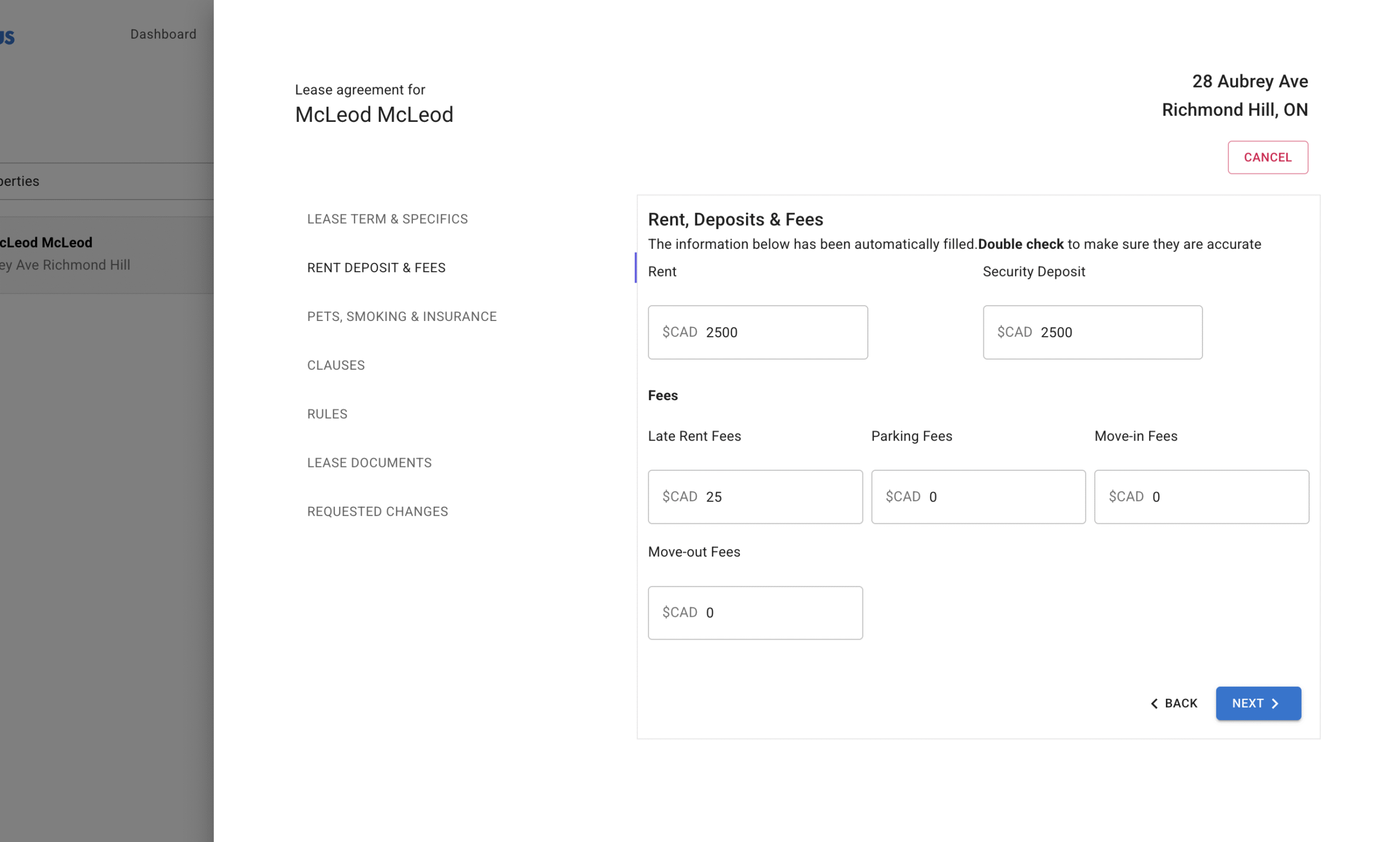
Rent, Deposits & Fees
Here, you establish the financial terms. Enter the monthly rent and the security deposit amount, along with any additional fees such as late payment fees, parking fees, or move-in/move-out charges. This ensures both parties clearly understand their financial obligations upfront.
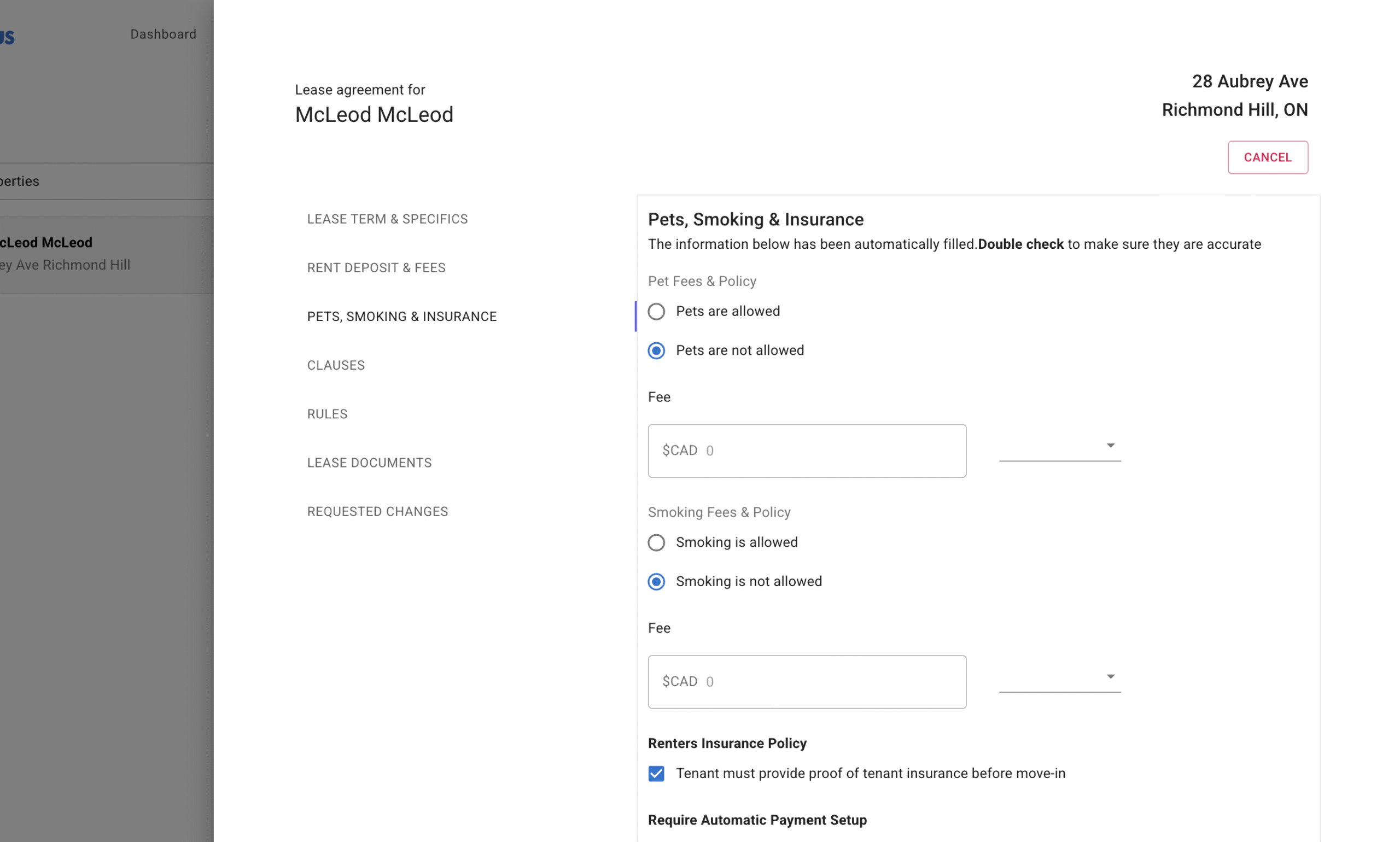
Pets, Smoking & Insurance
Set your property rules regarding pets and smoking. If you don’t allow pets or smoking, you can specify this here. If they’re permitted, you can add related fees. You’ll also confirm whether the tenant must provide proof of renter’s insurance and whether they’re required to set up automatic rent payments for added security.
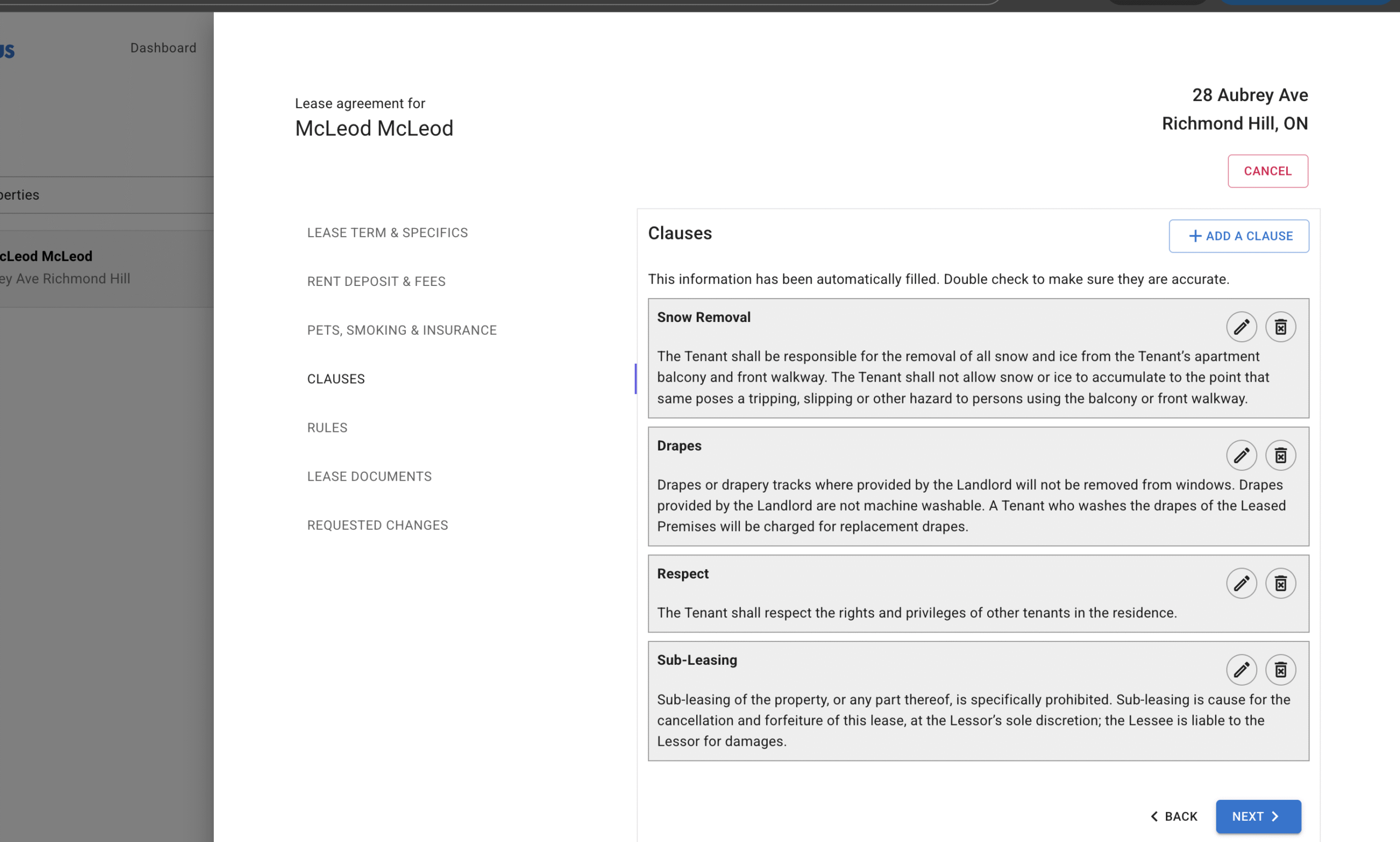
Clauses
Clauses are where you address legal obligations. For example, you might include a subletting clause, a snow removal clause, or specific maintenance responsibilities. Realhaus provides structure, but you can also add or edit clauses to reflect your unique requirements while staying compliant with local laws.
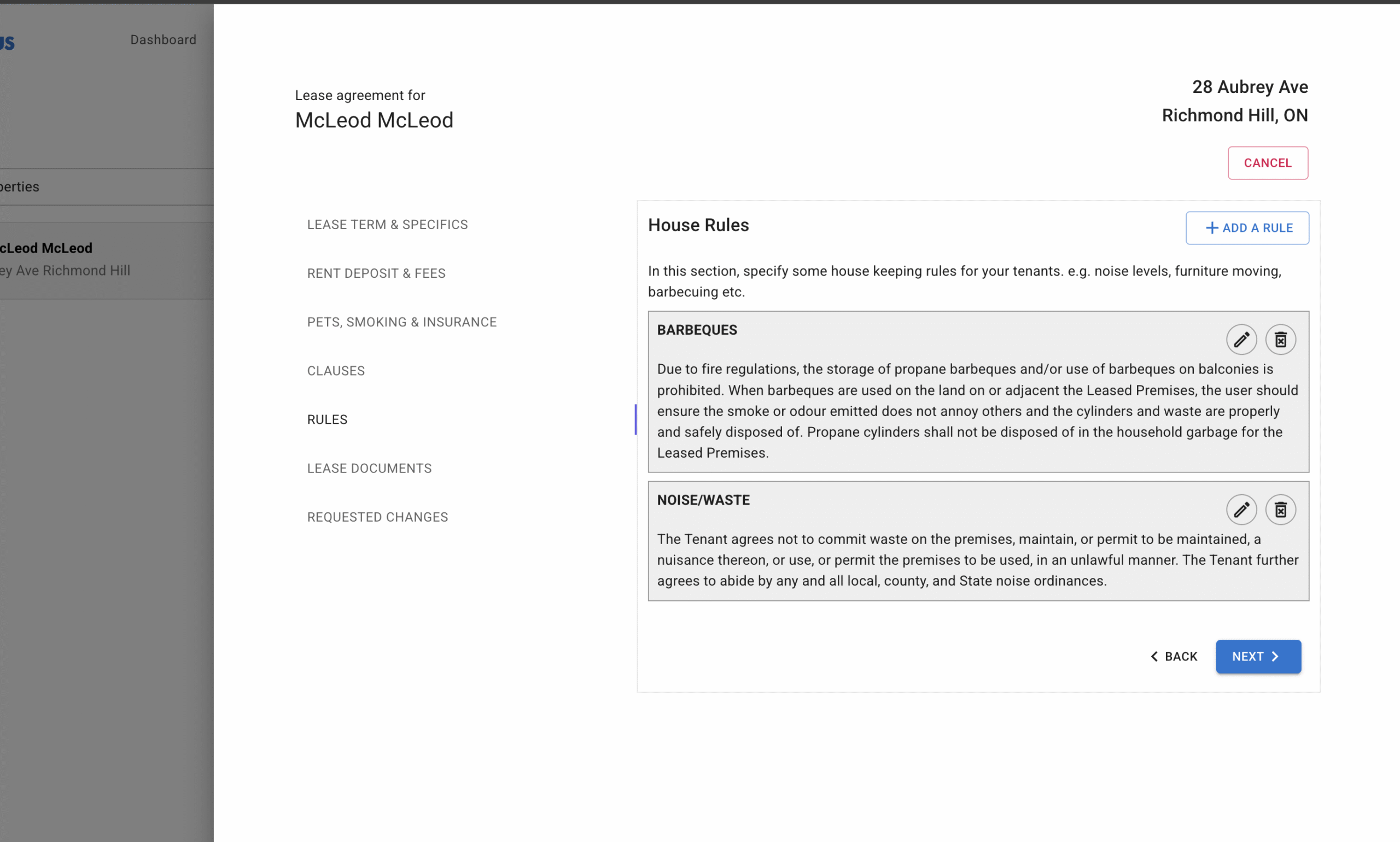
Rules
Rules are more practical, day-to-day expectations for living in the property. This could include noise guidelines, waste disposal rules, or restrictions on barbeques. Think of this section as setting the tone for a respectful landlord–tenant relationship.
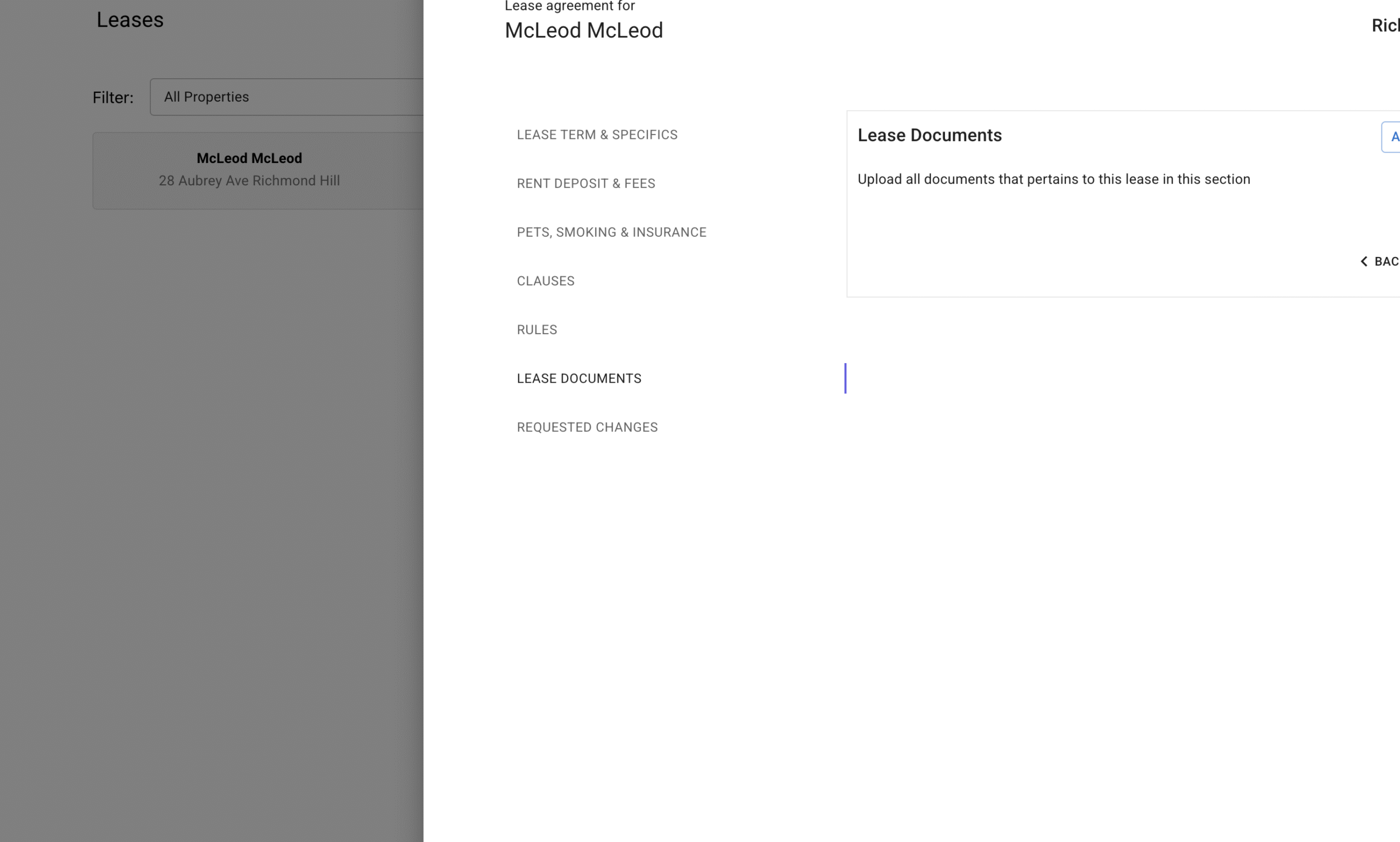
Lease Documents
If you have additional documents to attach—such as property inspection reports, move-in checklists, or addendums—you can upload them here. This centralizes everything so the landlord and tenant always have access in one place.

Review Lease
Finally, the wizard compiles all the details you’ve entered into a full draft of the lease. You can scroll through the entire document to double-check accuracy and completeness. This is your chance to make any last changes before sending it out for signatures.
Step 3: Request Signatures
Once you’re satisfied, click the Request Signature button. The tenant will be notified instantly and can review the lease online. They can sign digitally, ensuring the process is secure, convenient, and legally valid.
After signing, both you and your tenant will have access to the finalized agreement anytime through your Realhaus dashboards. The document is stored securely, so there’s no risk of lost paperwork.