

This guide is for anyone new to Realhaus, whether you're looking for a place to rent or managing a property. By the end, you'll have a free account, a confirmed email address and your first sign-in. One account works for both renting and managing properties.
Step 1: Open the sign-up form
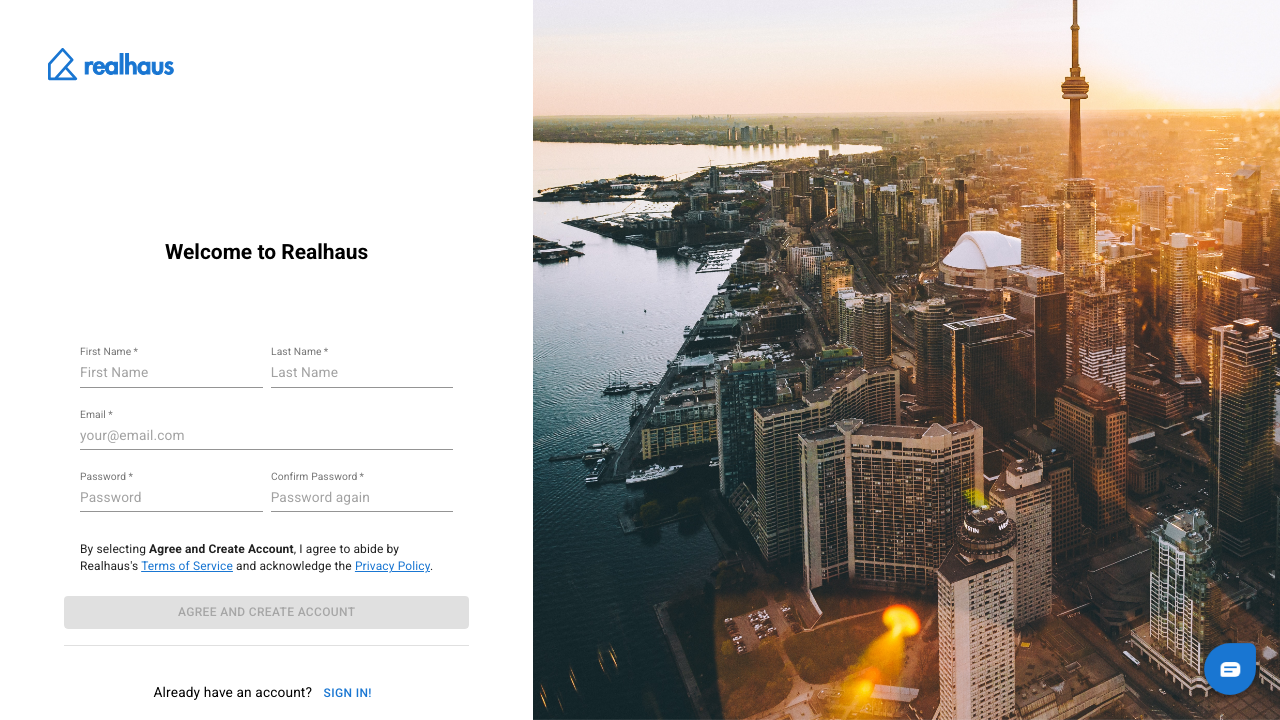
- Go to app.realhaus.ca and select Login at the top of the page.
- Under the sign-in form, next to Don't have an account?, select Sign up!.
You can also go straight to app.realhaus.ca/signup.
Step 2: Fill in your details
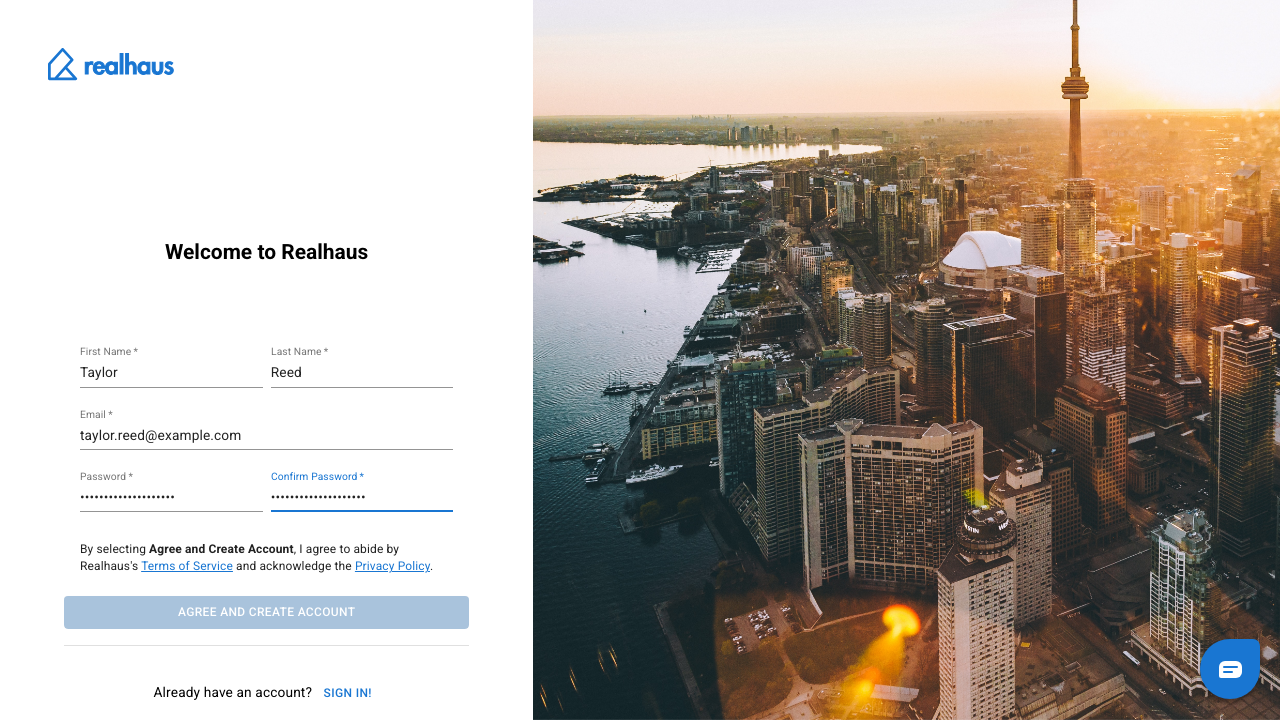
- Enter your First Name and Last Name exactly as they appear on your government-issued ID. Realhaus compares them with your ID when you verify your identity.
- Enter your Email.
- Choose a Password and enter it again in Confirm Password.
Step 3: Create your account
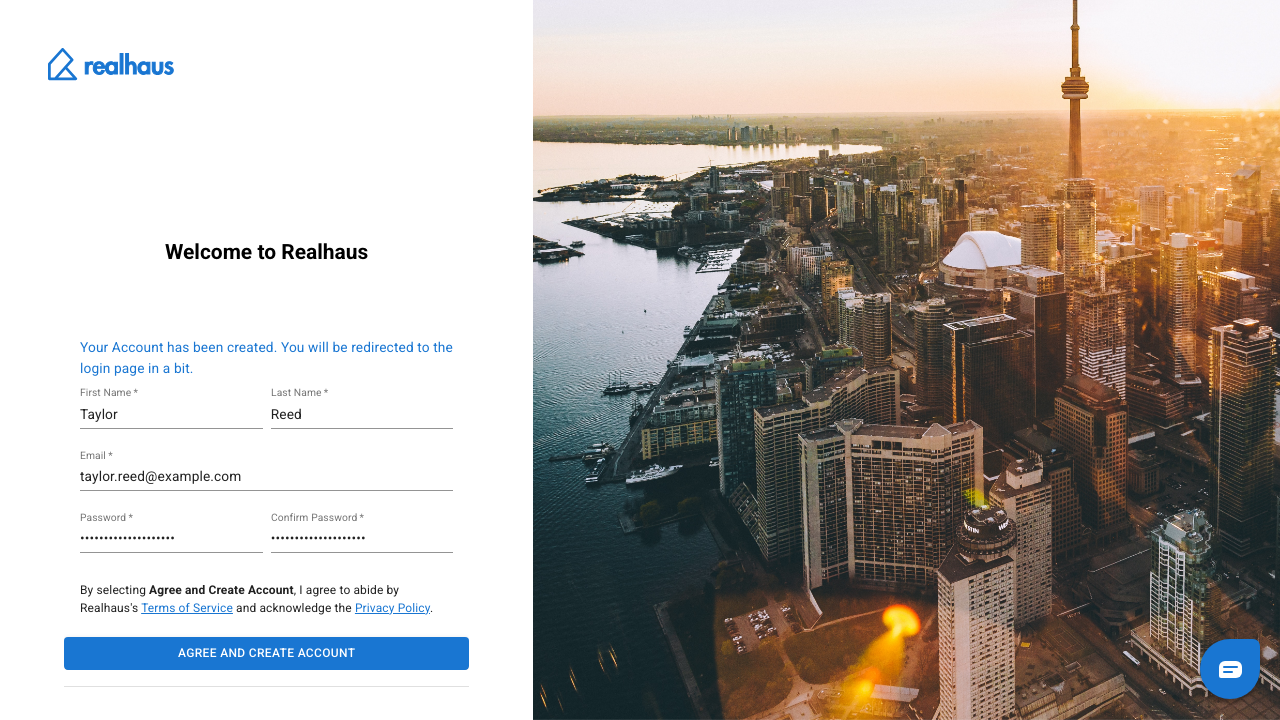
Read the Terms of Service and Privacy Policy, then select Agree and Create Account. You'll see Your Account has been created, and Realhaus takes you back to the sign-in page.
Step 4: Confirm your email address
Realhaus sends you an email to confirm that the address is yours. Open it and select the verification link.
Note: You can't sign in until your email address is confirmed. If the email doesn't arrive, check your spam folder. If you try to sign in before confirming, select Resend Verification Link to get a new one.
Step 5: Sign in
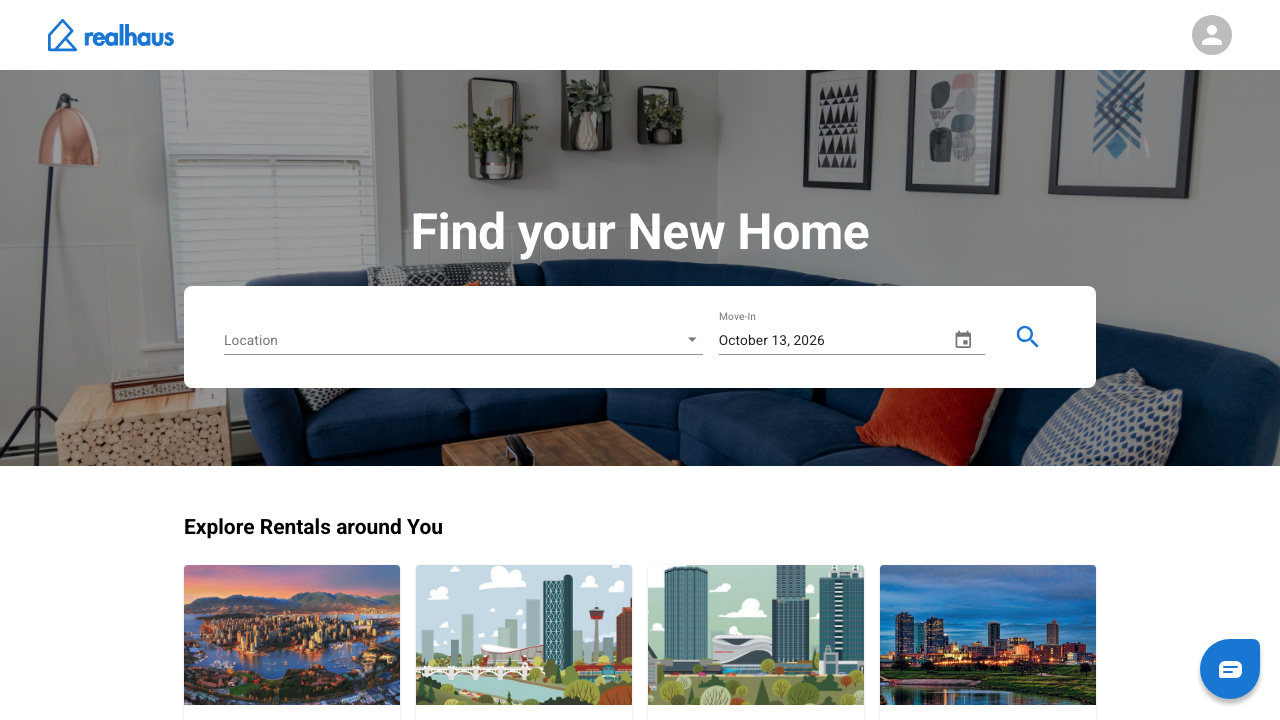
Back on the sign-in page, enter your email address and password and select Login.
What to do next
Before you can apply for a rental, book a showing, sign a lease or handle payments, Realhaus asks you to complete your personal info and verify your identity.
- How to set up your personal info and switch between landlord and tenant mode
- How to verify your identity
- See every guide in Getting started on Realhaus.
Need help? Contact us at hello@realhaus.ca.